
Turn photos into
cross-stitch patterns.
Convert a photo, trace a reference, or start from a blank canvas — fine-tune every stitch in a complete editor, then track your progress as you stitch. Fully offline, no account needed.
For iPhone, iPad, Mac & Android · Windows coming soon · Works fully offline
For iPhone, iPad & Mac · Android & Windows coming soon · Works fully offline
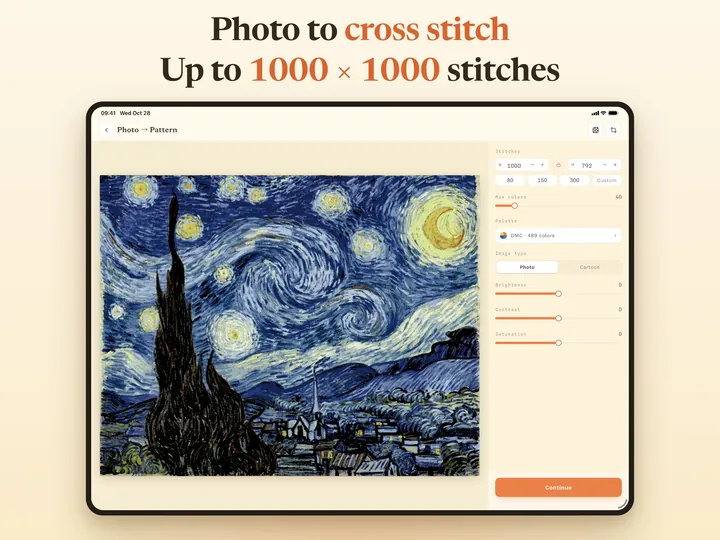
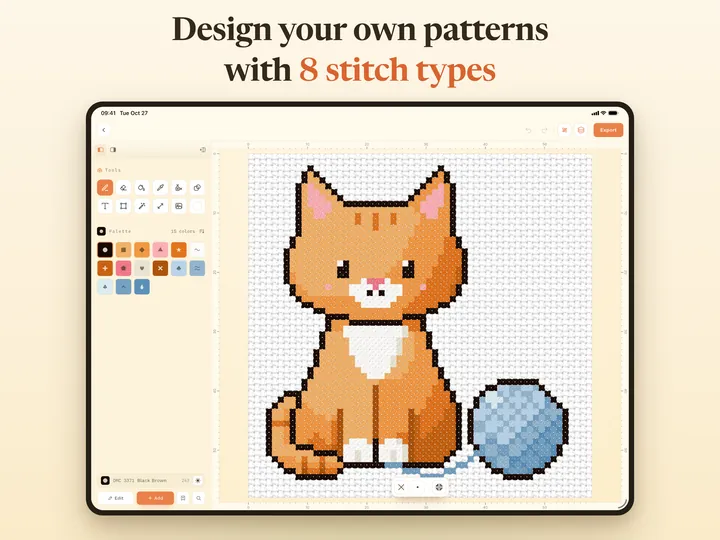
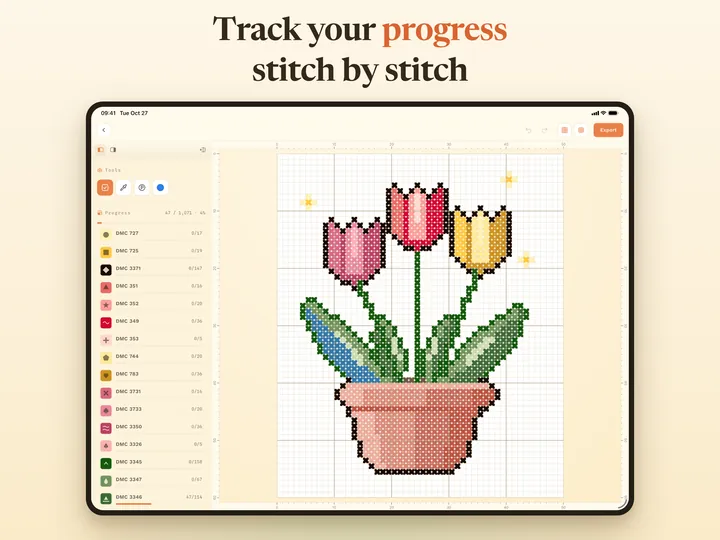
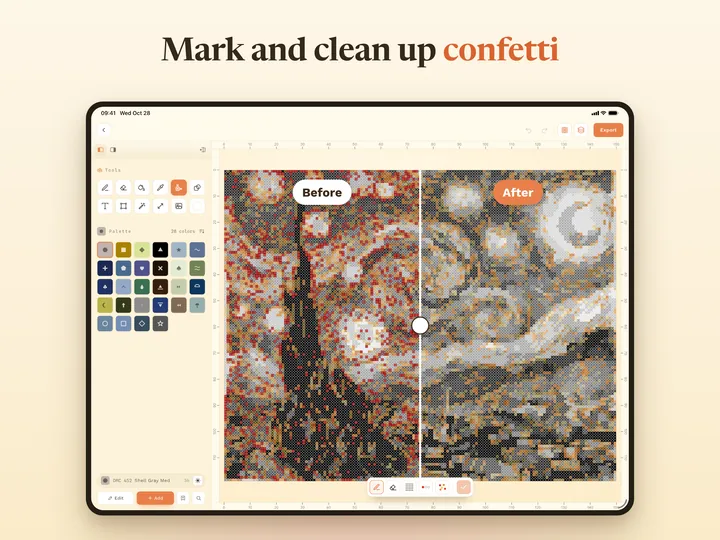
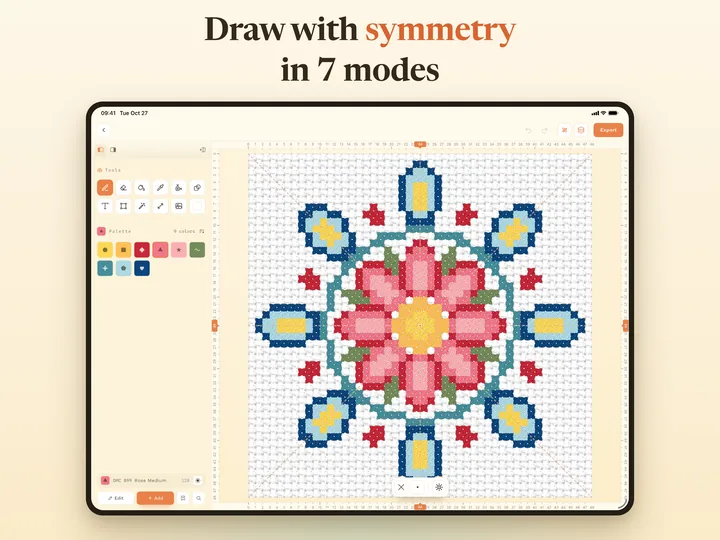
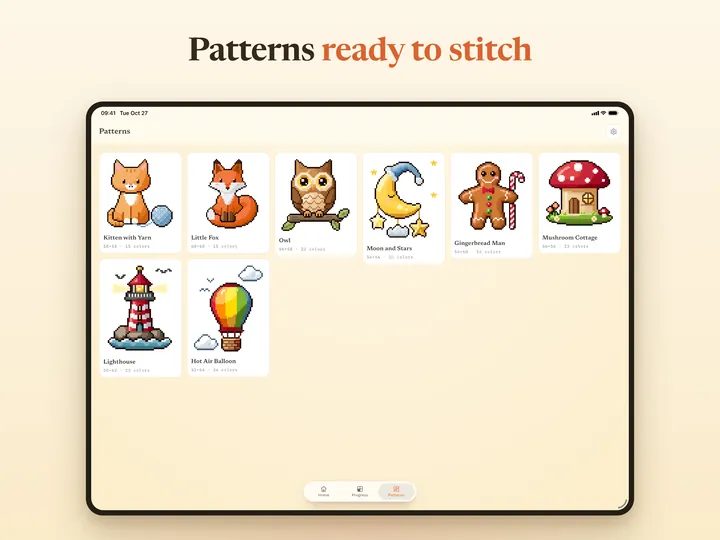
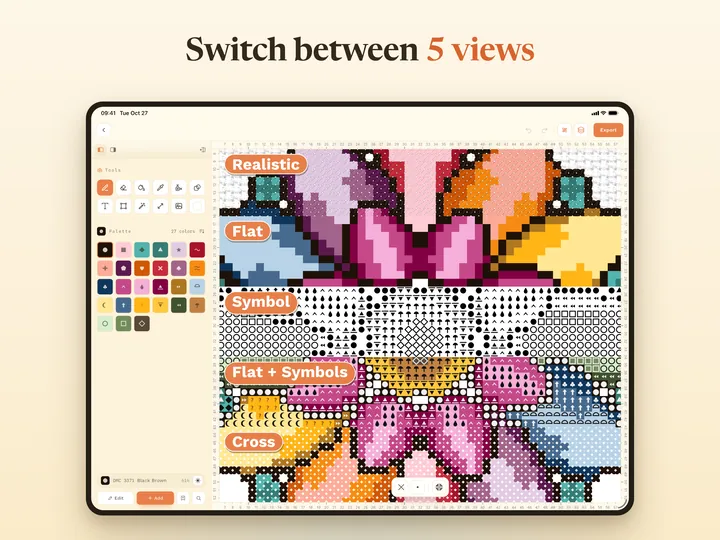
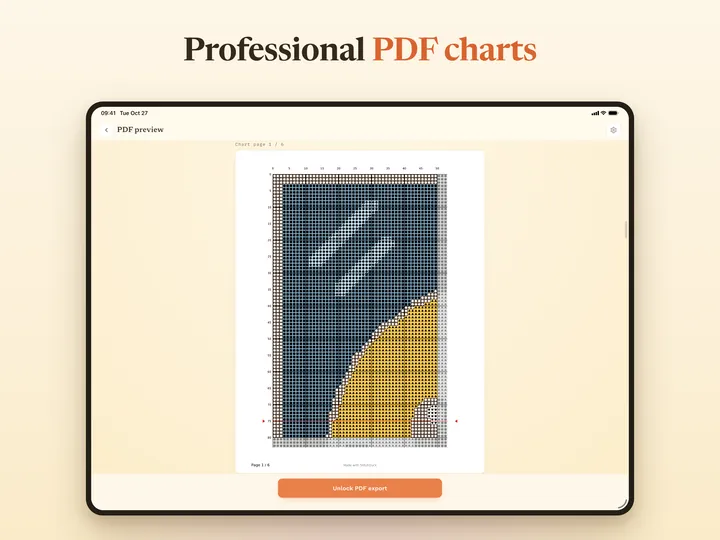
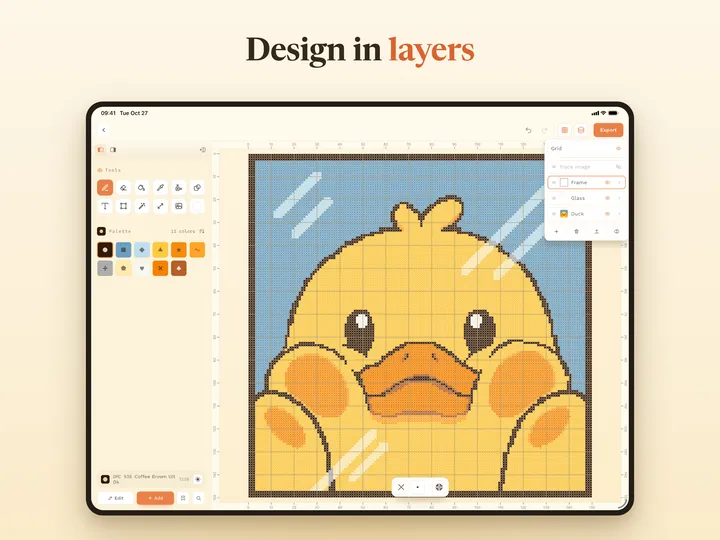
Photo to pattern
Any photo or drawing becomes a stitchable chart — live preview, adjustable stitch count, one-tap background removal, and up to 256 colors matched to real DMC and Anchor threads.
Free progress tracking
Add a pattern to Progress and tap stitches as you finish them — backstitches and French knots too. See progress per color and stitch type, park threads with parking marks, and bring in OXS, .xsd and .pat charts.
Free built-in patterns
The Patterns tab has free, ready-made cross-stitch patterns for personal use only — copy one to edit, or start tracking it right away.
Realistic preview
The Realistic view shows photo-real stitches on Aida fabric that get fuller with more strands, plus lifelike backstitch, French knots and beads. Switch between five views any time: Realistic, Flat, Symbol, Flat + Symbols and Cross.
Symmetry drawing
Turn on Symmetry and every Pencil or Eraser stroke repeats in mirrored or rotated positions, with 7 modes to choose from. Drag the handle on the ruler to move the axis. Included in the unlock.
Layers & pro tools
Up to 10 layers, a trace image, shapes, text, fill, eyedropper and Magic Wand, plus selections you can move, copy, mirror or rotate. On iPad, add Apple Pencil and customizable keyboard shortcuts.
Every stitch type
Full, half, quarter, three-quarter and petite stitches, backstitch lines, French knots, and beads — the complete kit.
Smooth at 1000 × 1000
Charts up to 1000 × 1000 stitches and 256 colors — panning, zooming and stitching never lag.
One-tap confetti cleanup
The confetti map marks stray single stitches. Paint over an area and swap them for the surrounding color in one tap.
Thread-true palettes
Blend up to 4 threads, set strand counts per color, and give every color its own unique chart symbol.
Bring your patterns
Import OXS, Pattern Maker (.xsd) and PCStitch (.pat) files and keep working right where you left off.
Print-ready PDF
Export vector charts with a symbol chart, thread list and floss estimates — set the paper size, center lines and symbol size, and preview every page for free before you unlock.
Free to design. Free to track.
Converting, designing, editing, progress tracking and built-in patterns are free, with up to 3 saved projects and 3 tracked patterns. To export, save or track more, apply Declutter and use Symmetry, unlock with a yearly subscription (7 days free for new subscribers) or a one-time purchase — the same features either way, on iPhone, iPad and Mac. If a subscription ends, only those features lock again; your projects are never deleted.
Your patterns are yours — sell the pieces you stitch or the patterns themselves. Commercial use is included. The built-in patterns are for personal use only.